
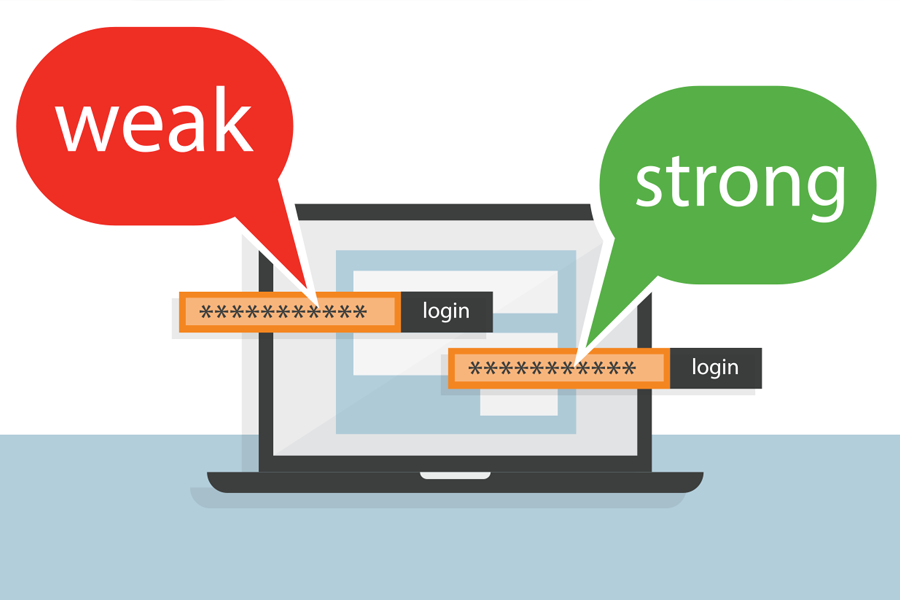
Passwords are the keys to your digital life. They protect your bank apps, social media, email, mobile money accounts, crypto wallets, and even your business platforms.
Yet, many people still use weak passwords like:
- 123456
- password
- qwerty
- Godisgood
This is exactly why hackers succeed.
This article will teach you how to create strong passwords, how to store them, and how to make your online accounts almost impossible to hack.
Why Password Safety Matters
Your password is the first line of defense. If a hacker gets it, they can:
- Drain your bank account
- Hijack your WhatsApp or Facebook
- Scam your contacts
- Access your emails
- Steal your identity
- Blackmail you
- Ruin your reputation
A weak password is like locking your door with a thread — anyone can break in.
Common Ways Hackers Steal Passwords
Understanding how hackers operate helps you protect yourself better.
1. Guessing Weak Passwords
Hackers try common passwords, names, birthdays, and phone numbers.
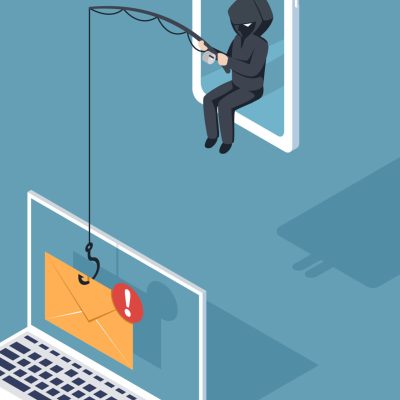
2. Phishing
Fake messages or links that ask you to “log in” to update your info.
3. Keyloggers
Malicious software that tracks whatever you type.
4. Public Wi-Fi Attacks
Hackers intercept login details on unsecured networks.
5. SIM Swap
When criminals gain access to your phone number to reset your passwords.
6. Social Media Oversharing
Posting birthdays, pet names, or personal details that can help hackers guess your password.
How to Create a Strong Password (Easy Method)
Use This Formula:
3 Random Words + Numbers + Symbol
Example:MoonRiverChair2024!
Why this works:
- Over 16 characters
- Hard to guess
- Easy for you to remember
Avoid using:
❌ Your name
❌ Your birthday
❌ Your phone number
❌ “Godisgood” or “iloveyou”
❌ Repeated digits like 111111
Use a Different Password for Every Account
Using one password everywhere is dangerous.
If one platform gets hacked, all your accounts become exposed.
Tip:
Use variations or a password manager.
Always Enable 2-Factor Authentication (2FA)
2FA adds an extra layer of security by requiring a code sent to your phone or generated by an app.
Use it on:
- Bank apps
- Gmail
- Crypto wallets
Even if a hacker gets your password, they can’t log in without the 2FA code.
Never Share Your Password — Ever
Not with:
- “Bank staff”
- Friends
- Colleagues
- Family
- Customer care
- Anyone on WhatsApp or phone calls
Legitimate companies never ask for your password or OTP.
Avoid Logging In on Other People’s Devices
Cybercafés and public computers may have spyware.
If you must use one:
- Log out after use
- Do not save passwords
- Enable 2FA
- Clear the browser history
Beware of Public Wi-Fi
Never log into your bank app or email on:
- Mall Wi-Fi
- Hotel Wi-Fi
- Cafe Wi-Fi
Hackers can intercept your data.
Use a Password Manager
A password manager stores all your passwords securely and helps you generate strong ones.
Recommended tools:
- LastPass
- 1Password
- Bitwarden (free)
This way, you only need to remember one master password.
How Often Should You Change Your Passwords?
Every 3 to 6 months.
Change immediately if you notice:
- Strange login notifications
- Unknown devices connected
- Emails about login attempts
- Unauthorized transactions
Conclusion
In today’s digital world, your password protects your money, identity, privacy, and relationships.
Creating strong passwords and practicing good security habits can save you from heartbreak, embarrassment, and financial loss.
Cybercrime is real — but with the right knowledge, you can stay one step ahead of the scammers.
NoToYahoo.org is here to guide and protect you online.